Hidden fields
Hidden fields let you include data in a submission without showing a question to respondents. Use them to pass details you already know, such as a user ID, email, plan, campaign, or referrer.
What is a hidden field in Makeform?
A hidden field is invisible to respondents, but its value is saved with the submission.
Hidden fields help you:
- Identify who submitted a form.
- Track plan, campaign, source, or referral data.
- Connect responses back to records in your own tools.
Create a hidden field
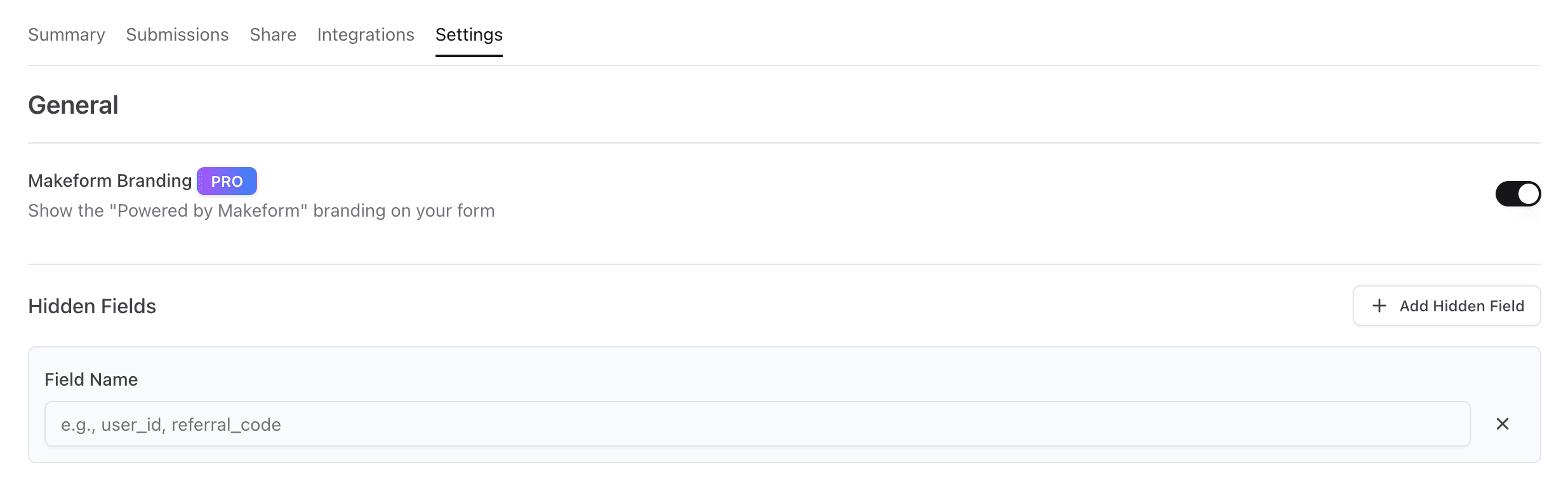
To create a hidden field, go to the Settings tab and open the hidden fields section.
Pass values through a URL
After creating hidden fields, pass values by adding query parameters to your form URL:
YOUR_FORM_URL?user_id=123&plan=pro&email=user%40example.comUse the same pattern with an embedded form:
YOUR_EMBED_URL?user_id=123&plan=pro&email=user%40example.comThe first value starts with ?, and additional values use &. Field names are case-sensitive and must match the hidden fields defined in your form. URL-encode values that contain spaces, symbols, or email addresses.
For developer setup with dynamic values, see Developer Resources.
Hidden fields in form results
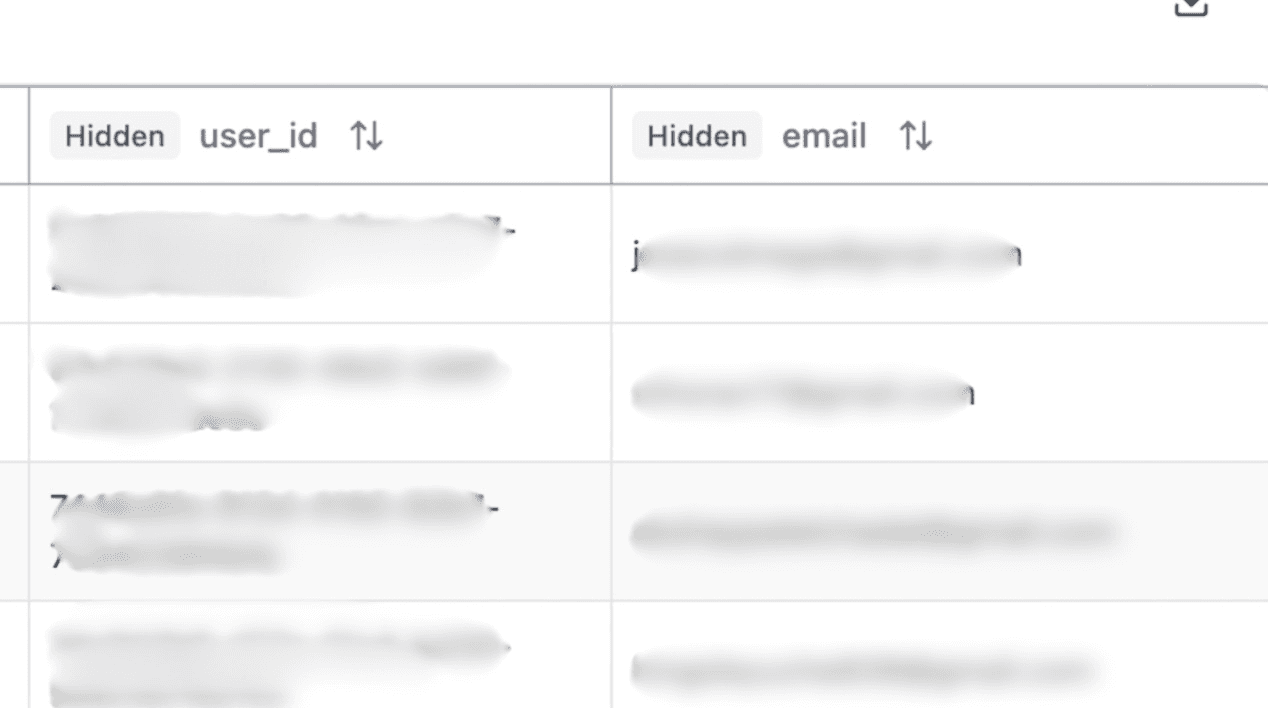
You can view hidden fields in form results in the Submissions tab.